Table des matières
Register a VPN account
Where to start ?
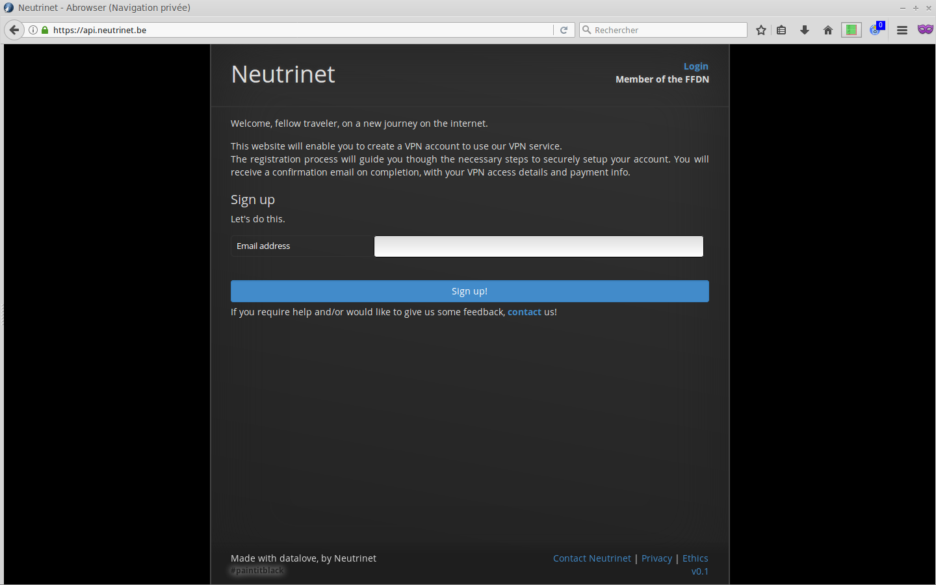
- here : https://api.neutrinet.be/
Use one of your email address. If you do not use a «real email», your only way to retieve the certificates you need for the VPN is by login on https://user.neutrinet.be AFTER the complete process.
- it will be used as your login for the vpn
- it will be also used as your login for https://user.neutrinet.be/
- it will be used as the email where your download link will be sent.
:warning: Email addresses containing a + character, although technically valid, will not allow you to connect to the VPN. Thus, your VPN account would be unusable…
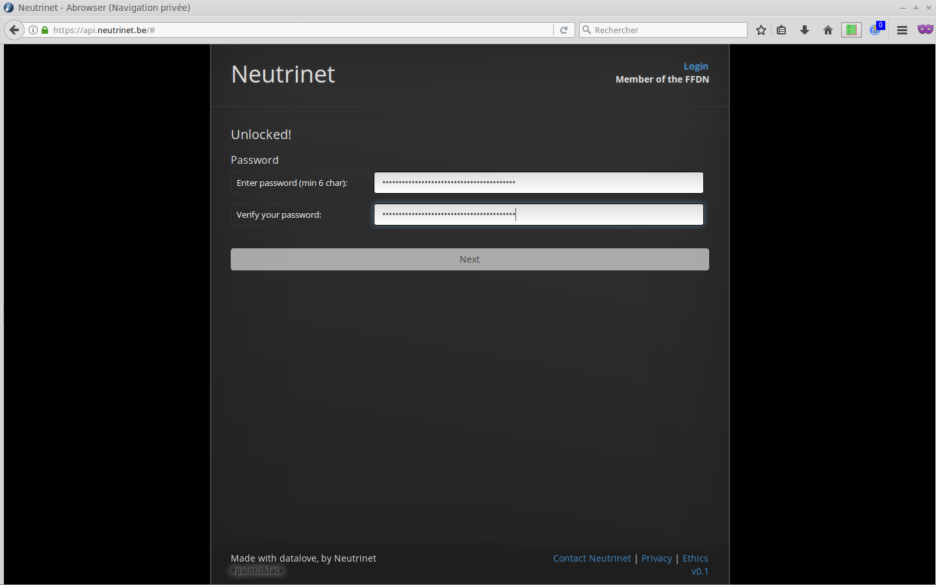
Password
Chose a password, the longest the best. (some password tips?)
- it will be used as your password for the vpn
- it will also be used as your password for https://user.neutrinet.be/
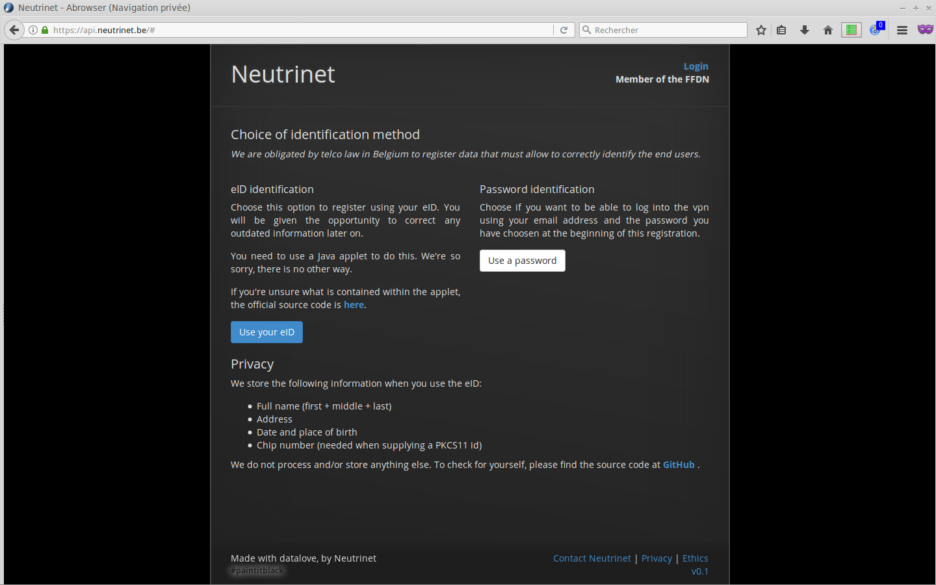
Identification method
In theory you can use your BeID and you your Belgian Citizen private key. I never tried, so [use a password].
If you want to use your BeID, please have a look here first.
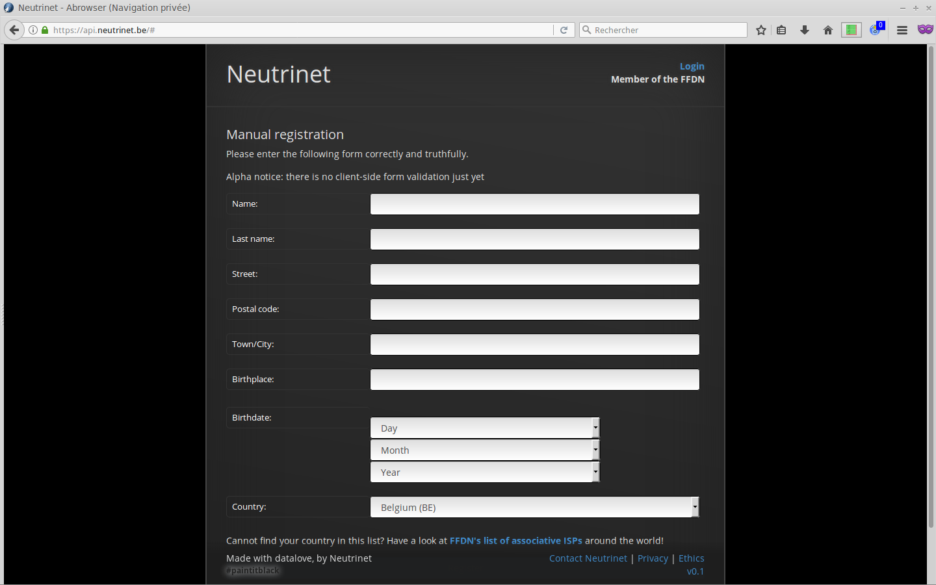
Without BeID ... manual registration
Provide your details.
Reminder, we provide a encrypted transporting service behind a fixed IP not a total anonymizer package… so you should be … you.
Setup
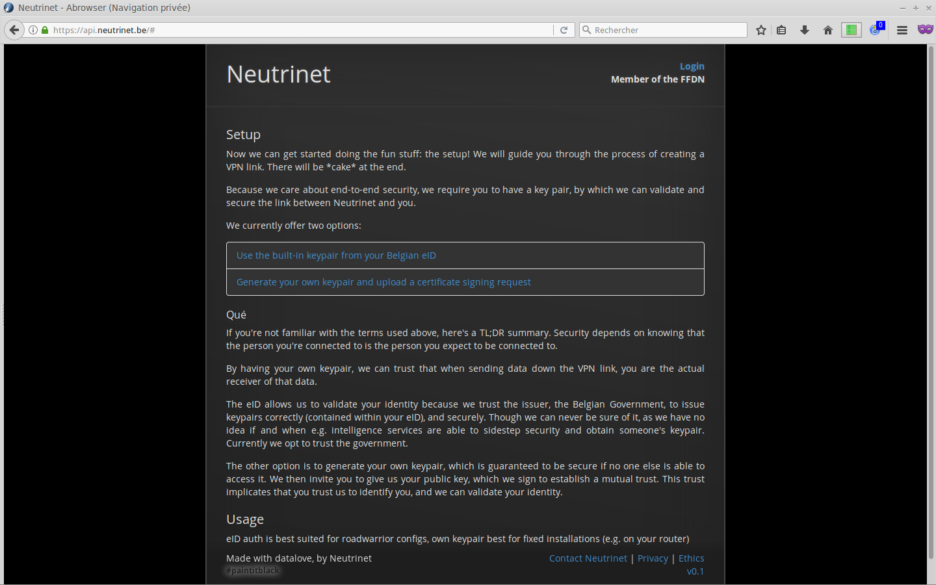
Chose a method to setup of the private / public key pair.
- Use eID related to previous step 3. never tried.
- so Generate your own key and upload a CSR
Keypair generation
Reminder, we provide a encrypted transporting service behind a fixed IP not a total anonymizer package… so your IP, your responsability!
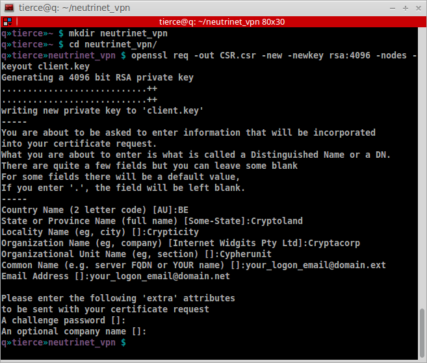
- create and open a folder to contain those important files for your vpn
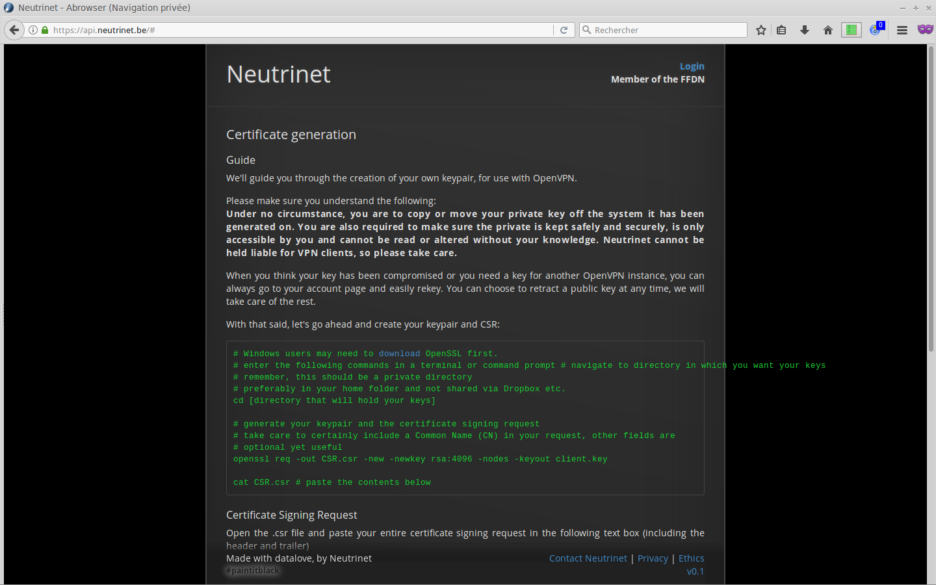
- generate your keypair and CSR as explained on the website
- you are generating your private and public keys,
- the details can or cannot represents you
- please consider that the FQDN and EMAIL can be the same as your login email (step 1), it would be easier for us to assist you in case of need.
- do NOT use a challenge password
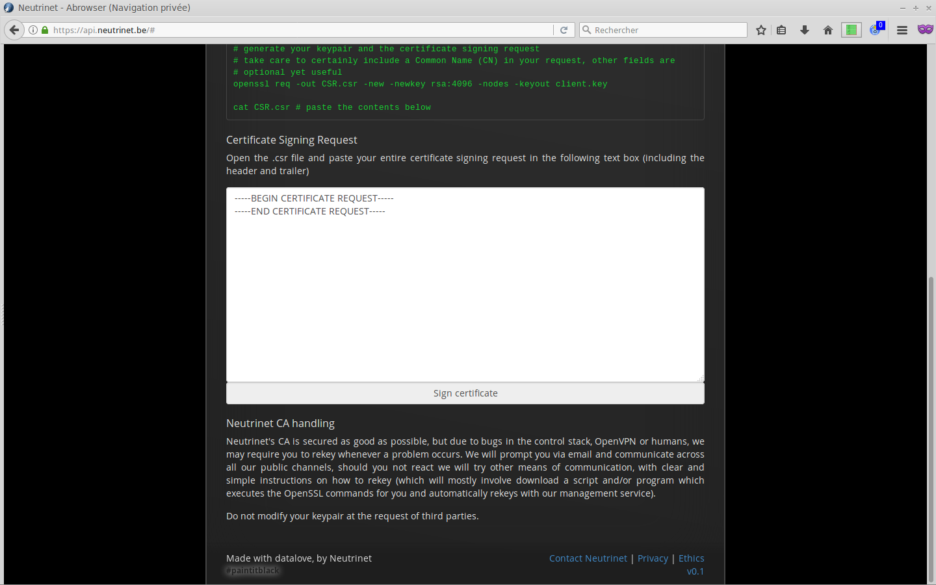
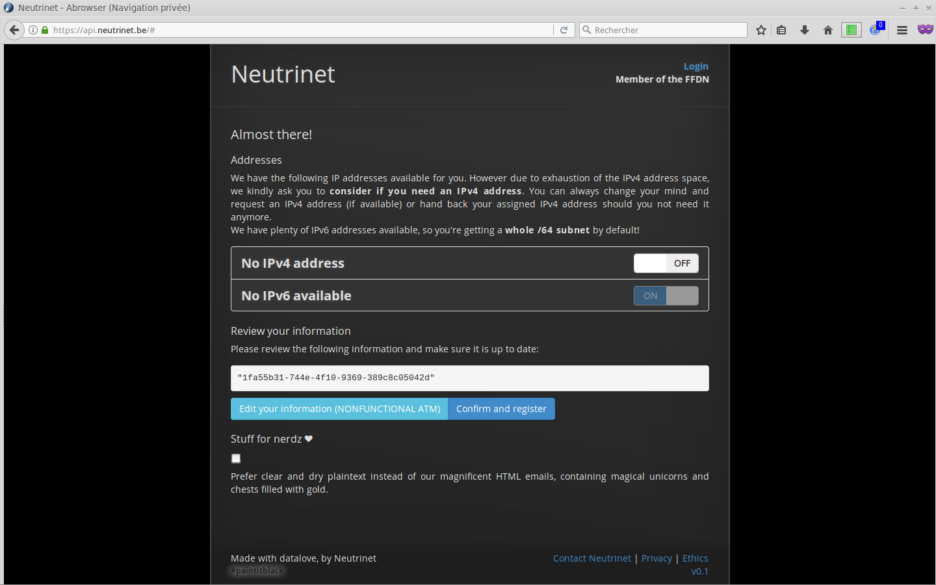
Almost here!
- turn on IPv4 (if you need an IP v4) and it will provide you YOUR fixed IP.
- IPv6 is generated automalically and will be provided by the VPN connexion.
- do not worry about the «review your information field»
- check the «Stuff for nerdz» it's important to recieve an email WITH the right link to download you vpn certificate. (because the registration is «buggy» and a newer version is under dev).

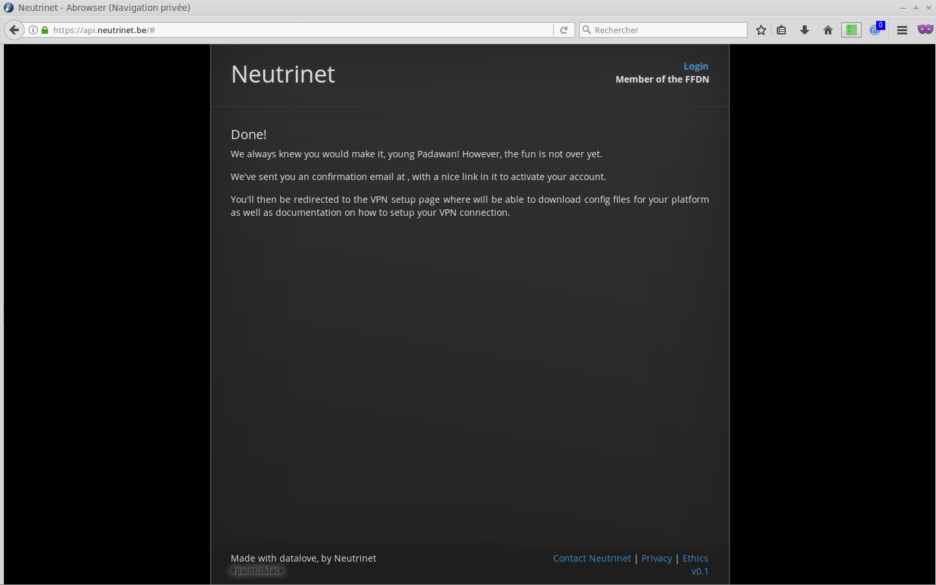
Done \o/
- check your mailbox and maybe spam folder.
One more thing!
In the “config package” you can download by logging into your user account, there is a file neutrinet.ovpn (a config for the OpenVPN client), three lines are missing as shown below:
data-ciphers AES-256-GCM:AES-256-CBC:AES-128-GCM:CHACHA20-POLY1305
tls-version-min 1.2
auth SHA256
You can, if needed, open this file ```neutrinet.ovpn``` with a text editor (like gedit, textedit, Notepad++, vim, nano, …) and copy/paste these 3 lines at the end of the file and save it. Without this, the connection (the tunnel) won't work.